Project Overview
This project outlines the design and implementation of a secure, high-performance local area network (LAN) tailored for personal use by me and my roommates, while also supporting a suite of self-hosted services, including a website, media server, SearXNG (privacy-focused search engine), game servers, and a network-attached storage (NAS) system. The network leverages a Unifi Cloud Gateway as its central hub, paired with a Unifi U7 Pro Max access point (AP) and manually terminated CAT6 cabling to ensure reliability and future-proofing. With 10 Gbps connectivity at its core, the design prioritizes seamless performance for both everyday tasks and resource-intensive applications, such as streaming, gaming, and media transcoding.
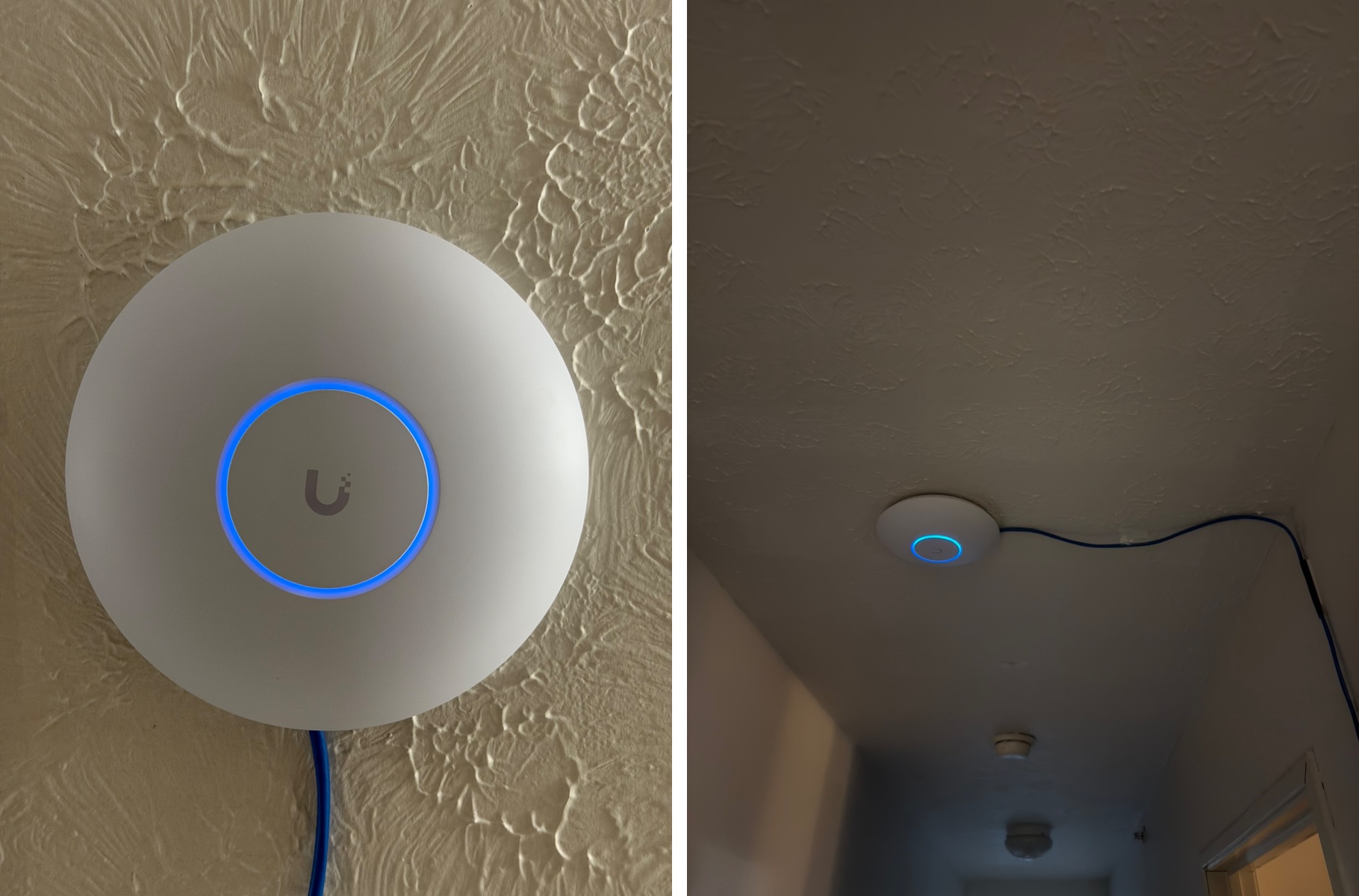
Featured above is my Unifi U7 Pro Max access point, mounted to the wall using command strips. Since permanent installation methods like drilling would violate my lease agreement, I opted for a non-destructive approach that keeps the setup clean and professional looking without risking damage to the apartment. The command strips have held up reliably and allow for easy repositioning if needed.
Network Architecture & Segmentation
The LAN is segmented into four VLANs, Management, Main, Legacy, and IoT, to enforce security, optimize traffic flow, and isolate critical services. The Main VLAN handles primary user traffic, offering dual-band Wi-Fi 7 (5 and 6 GHz) with MLO (Multi-Link Operation) and WPA3 security for enhanced speed and safety. The Legacy VLAN supports older devices via dual-band 2.4 GHz and 5 GHz Wi-Fi using WPA2, while the IoT VLAN isolates smart home devices on a 2.4 GHz band to mitigate potential vulnerabilities. The Management VLAN is dedicated to network infrastructure, ensuring secure access to the Unifi system and self-hosted services. Given the dense RF environment of an apartment building where competing networks and interference are a constant factor, the U7 Pro Max's tri-band capabilities and MLO were critical in maintaining stable, high-throughput connections across the apartment.
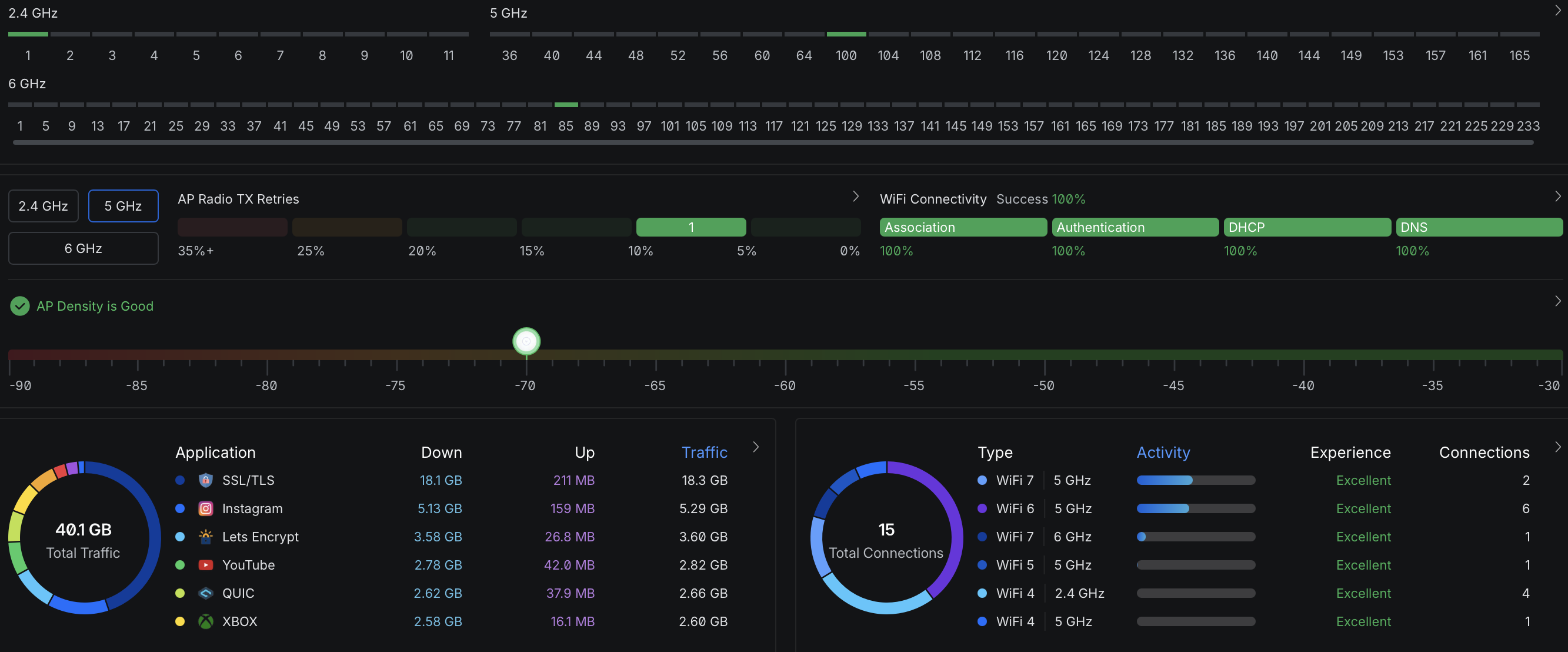
Unifi Dashboard Showing Wi-Fi Stats/Performace
Security & Connectivity Features
A robust firewall configuration underpins the network’s security, with granular rules to control traffic between VLANs, block malicious activity, and protect sensitive data. WireGuard is implemented for both server and client side virtual private network (VPN) connectivity, enabling secure remote access to self-hosted services and privacy focused internet browsing. The network also hosts my personal website and media server, while maintaining strict separation between personal, professional, and IoT traffic. This layered approach ensures privacy, flexibility, and resilience against threats.
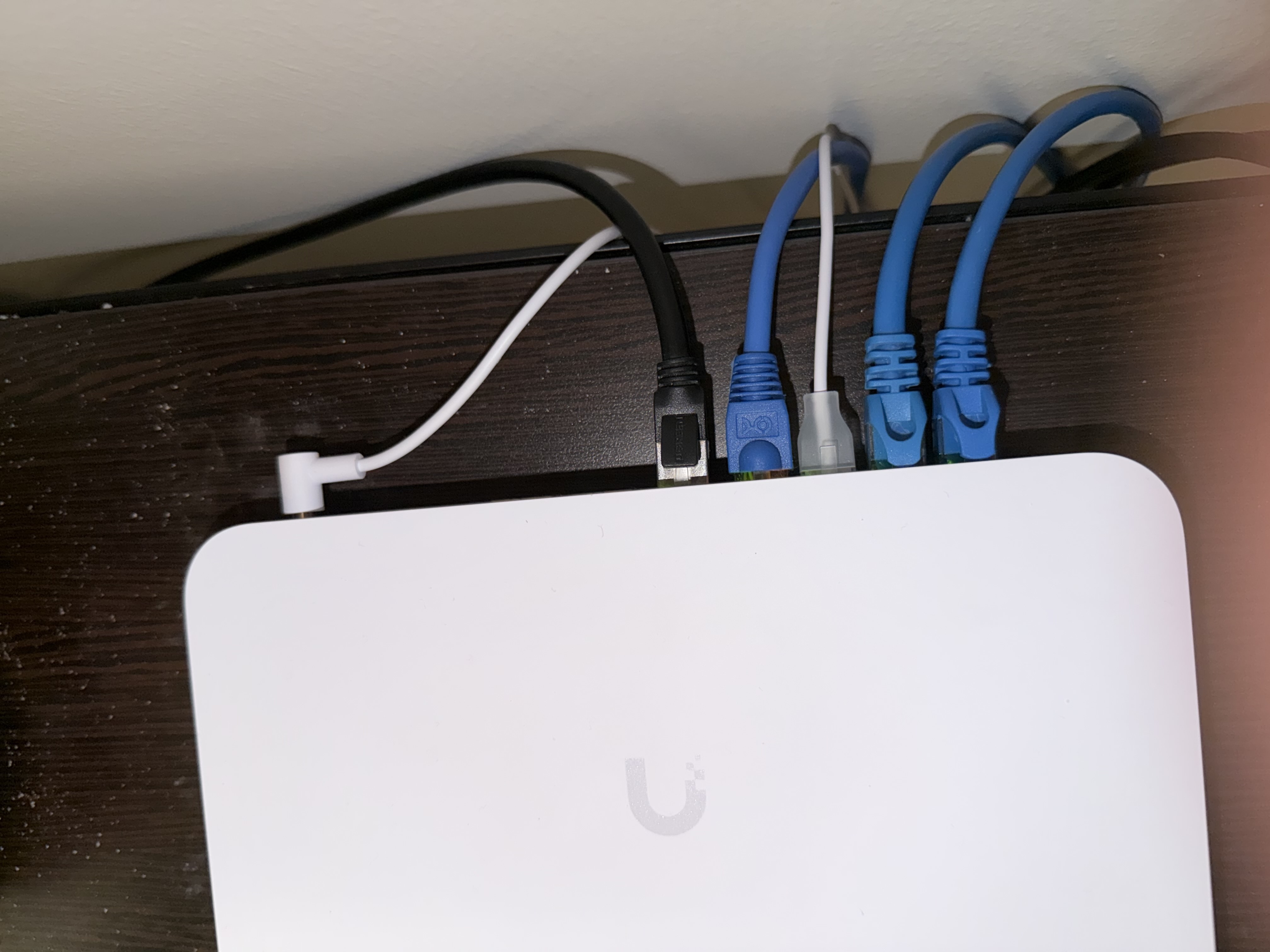
Above is my UCG Fiber which acts as my router and switch.
Scalability & Future-Proofing
From the ground up, this network was built with growth in mind. The Unifi ecosystem makes expanding the infrastructure straightforward, whether that means adding managed switches, deploying additional access points, or increasing backbone bandwidth as demands scale. The TrueNAS server and self-hosted services are designed to grow alongside the network, with capacity for additional storage and services over time. Rather than a static setup, this LAN is a dynamic infrastructure that can adapt to new equipment, higher bandwidth demands, and security requirements without requiring a complete rebuild.